

Build with Claude Skill 技能
Claude Code 插件市场与技能发现平台
技能简介
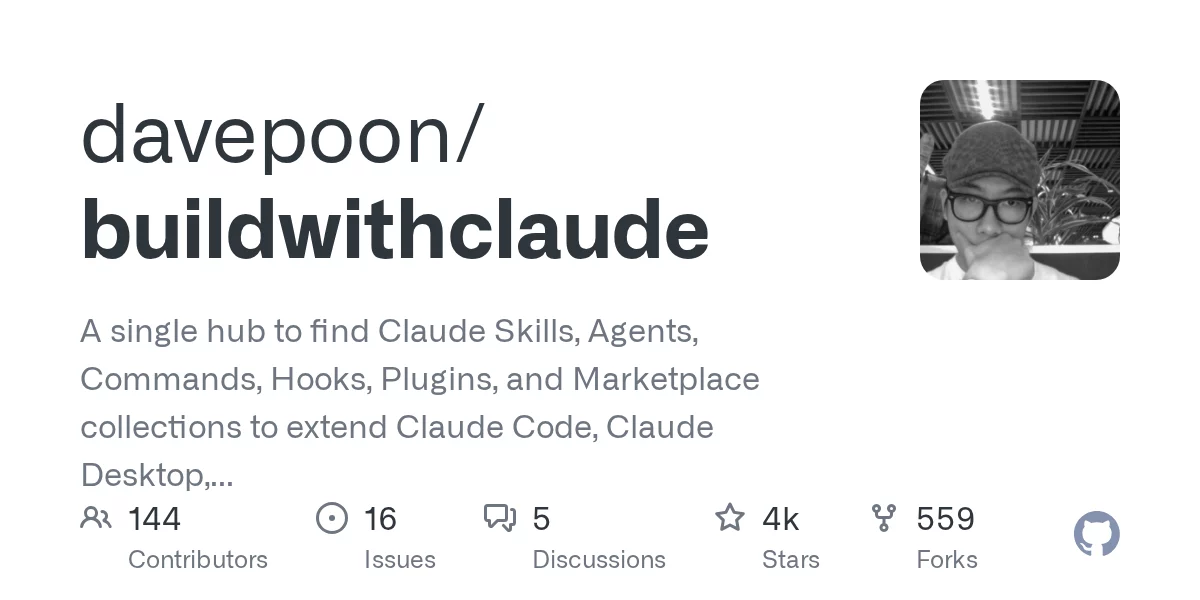
Build with Claude 是一个为 Claude Code、Claude Desktop、Agent SDK 与 OpenClaw 生态打造的统一插件发现与市场平台。它把散落在社区各处的 Claude 技能、Agents、Commands、Hooks、Plugins、Marketplace 收录到一个可搜索的中心,开发者只需一条 /plugin marketplace add 命令就能批量安装。
核心能力
- 多类型插件聚合:平台统一收录 117 个 Agents(Python、Go、DevOps、Security 等专业 Agent)、175 个 Slash Commands(
/commit、/docs、/tdd等自动化命令)、28 个事件驱动 Hooks(通知、git、格式化)、26 个可复用 Skills 以及 51 个按类别打包的 Plugins。 - 跨生态索引:除自营收录外,平台还索引社区 20k+ Plugins、4500+ MCP Servers、1100+ Plugin Marketplaces,实现一处搜索全网可用。
- 一键安装:通过
/plugin marketplace add davepoon/buildwithclaude添加市场后,/plugin install即可安装任意条目,无需手动 git clone 或复制配置。 - 可视化浏览:Web 端 buildwithclaude.com 提供分类筛选、全文搜索、复制安装命令、查看完整文档与用例,覆盖 Plugins、Agents、Commands、Hooks、Skills 全部类型。
- 面向 Agent 的资源:Hooks 与 Skills 可被 Claude Code 直接加载,无需人工改配置,适合多 Agent 团队统一管理。
安装配置
- 在 Claude Code 中运行
/plugin marketplace add davepoon/buildwithclaude添加官方市场源。 - 使用
/plugin search @buildwithclaude浏览可用插件。 - 使用
/plugin install @buildwithclaude安装特定条目,或/plugin install all-agents@buildwithclaude一次性安装全部。
使用步骤
- 打开 Claude Code,执行 marketplace 添加命令,系统提示成功即源已挂载。
- 用
/plugin search检索需要的 Agent、Command 或 Skill。 - 选中目标条目后执行
/plugin install @buildwithclaude完成本地安装。 - 在对话中通过
/调用 Command,或让 Claude 自动加载 Skill,即可看到新能力生效。 - 通过
https://www.buildwithclaude.com网页端查看完整文档、版本号、社区评分。
适用场景
- 多 Agent 团队配置:为不同项目组同时挂载统一市场,确保所有人 Skills 一致。
- Claude Code 能力扩展:在不修改源码的前提下,按需引入 Python 专家、DevOps Agent、Security Agent 等专业角色。
- Slash 命令自动化:用
/commit、/docs、/tdd等命令替代重复手敲,降低人误。 - Hooks 事件响应:提交时自动跑 lint、推送时自动通知 Slack、文件保存时自动格式化。
适用人群
- Claude Code / Claude Desktop 重度用户
- 想要团队统一 Claude 技能栈的 Tech Lead
- 经常在不同项目间切换技能配置的独立开发者
- 关注 Agent Skills 生态的产品经理与研究者
工作原理
Build with Claude 本质是一个结构化的 Claude Code 插件清单仓库,遵循 Claude Code Plugin 规范,每个子目录包含 plugin.json、SKILL.md、agents/、commands/、hooks/ 等标准文件。MCPJam 在加载时通过 /plugin marketplace add 把仓库克隆到本地插件目录,Claude Code 在启动时扫描并把可发现条目挂载到 /plugin 命令空间,因此整个过程不需要额外的 daemon 服务。
官方链接
团队信息

AI产品库
官方
由 AI 猎手自动发现
评论与建议
登录 后参与评论或提建议